v1.4.0 (2026-03-02)
Features
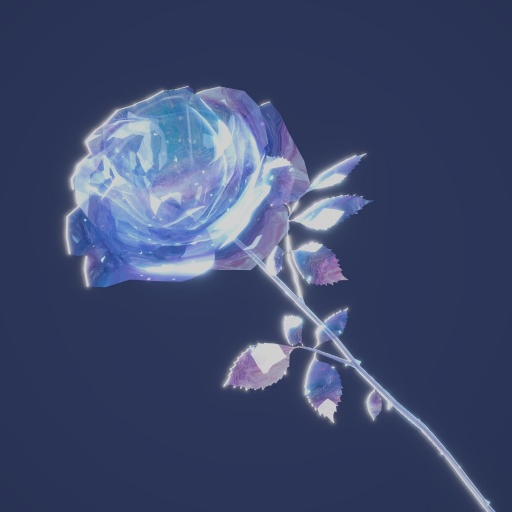
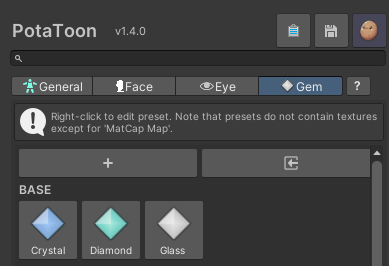
1. Gem Shader Support
- You can now officially use the
Gemmaterial type. - Gem presets have been added, so you can reach jewel-like looks more easily.
- We strongly recommend using MatCap with Gem shaders for richer surface detail.
2. Expanded material color and lighting controls

- Added material
Color Grading (HSV)so matching your target mood is easier. - Added
Color Grading Maskfor selective grading by region. - Added
Shadow Exclusion Maskfor finer control over shadow-excluded areas. - Added
Screen Rim Lighting Dimmerfor more intuitive control of scene-light influence on Screen Rim.
3. Added per-material OIT on/off toggle
- Added a per-material
Disable OITtoggle, so you can switch OIT only where needed.

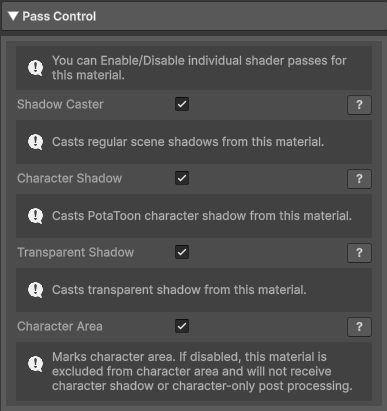
4. Added Pass Control
- Added
Pass Control, making it easier to enable only the passes you actually need.
5. Improved editor UX
- Volume/Material preset foldout state is now stored in editor state, so workflows feel smoother.
- Updated styles so important setting info is easier to read.
Bug Fixes
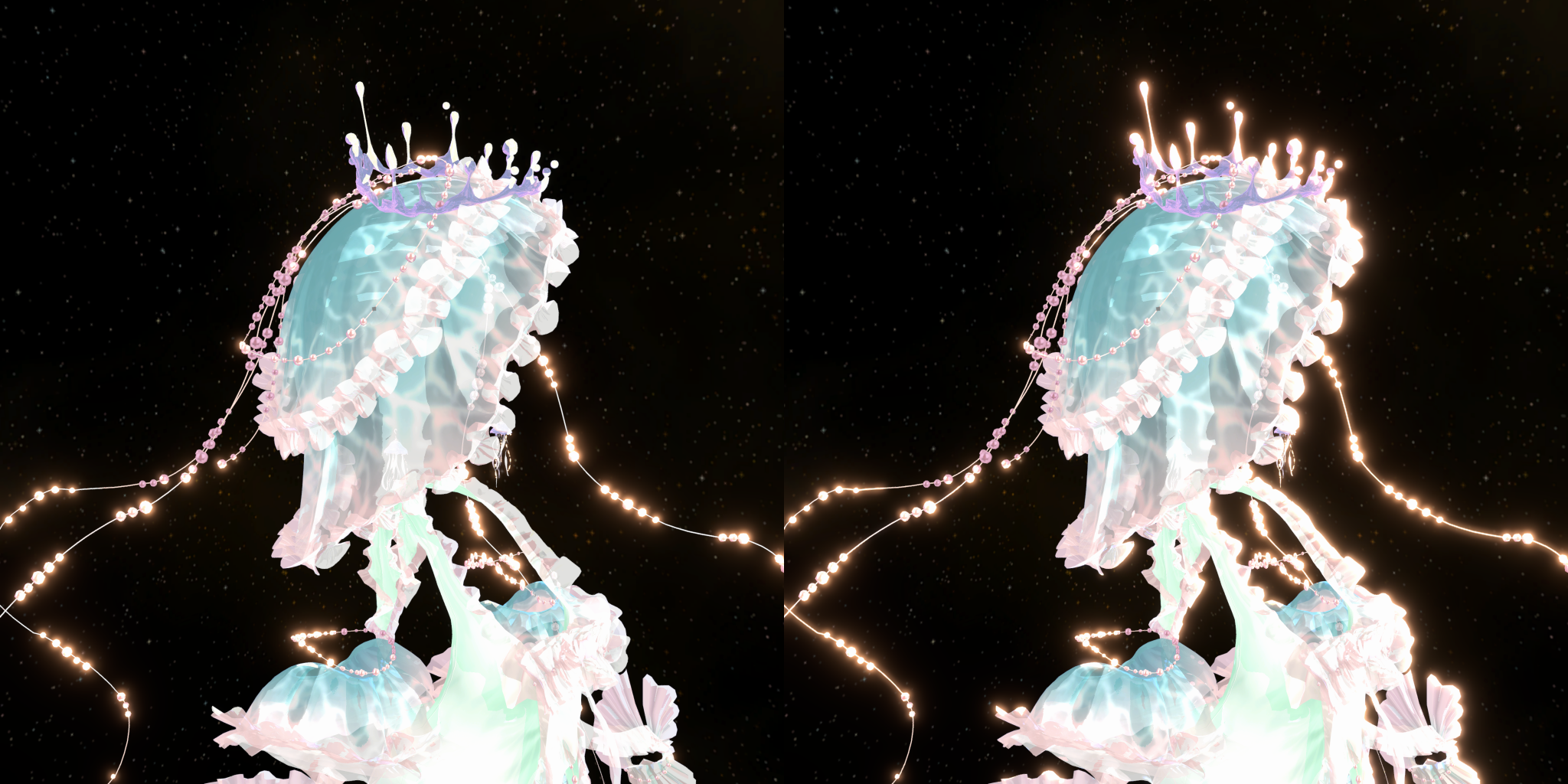
1. Fixed OIT HDR color preservation issue
- Fixed an issue where HDR color information could be lost when using OIT.
2. Fixed material preset application issue
- Fixed an issue where
Outline Lighting Dimmerwas not correctly applied via Material Preset.
3. Unity Visual Compositor compatibility
- Added non-character area alpha output in Character Bloom for better Visual Compositor compatibility.
4. Warning and keyword cleanup
- Cleaned up obsolete warnings shown in Unity 6.3 LTS.
- Cleaned up shader keywords to improve build-time behavior.
Last updated on